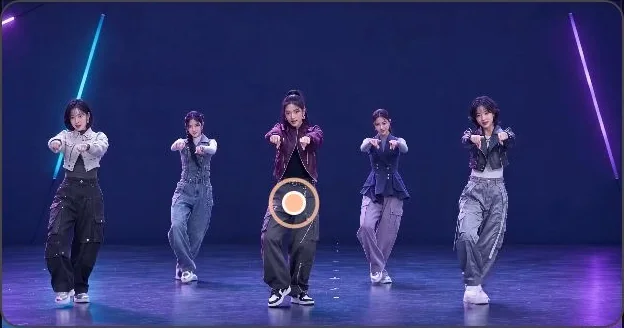
Pick your dancer
Import a video, trim it to the section you want, and tap the dancer to follow.
 SpotOn
Tap the dancer you want to watch. SpotOn follows their moves and turns your group video into a vertical follow-cam.
For iPhone · Requires iOS 17 or later
Import a video, trim it to the section you want, and tap the dancer to follow.
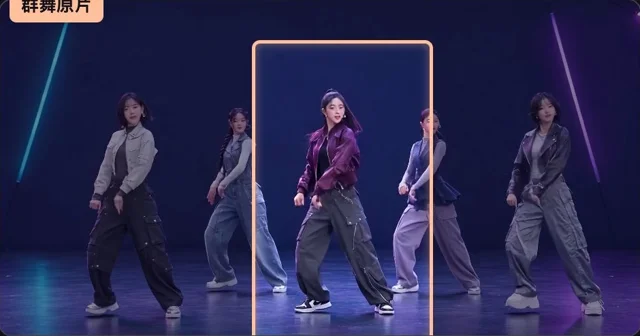

The crop moves with your dancer. Adjust how large they appear or blur others in the frame.

Add text and image stickers. Move, resize, and adjust opacity right in the preview.
Tracking and editing happen on your iPhone. Save the finished clip to Photos or use the iOS share sheet.